APKPure
APKPure quick access to update your apps and games without registration
Safe & Secure




AppLock is a versatile and open-source tool used for maintain your privacy and keeps the sensitive content protected. It is the best solution for users who have to share their device with family or other colleagues or friends, and maintaining privacy is quite difficult. Simply download AppLock, and lock the apps individually on your Android device.
The app supports 3 Expressive interfaces with biometric capability, and allows the users to set up an authentic password, or pattern lock. The lightweight utility reaches on peak within very short period, as it is used by 450 million users in more than 50 countries.
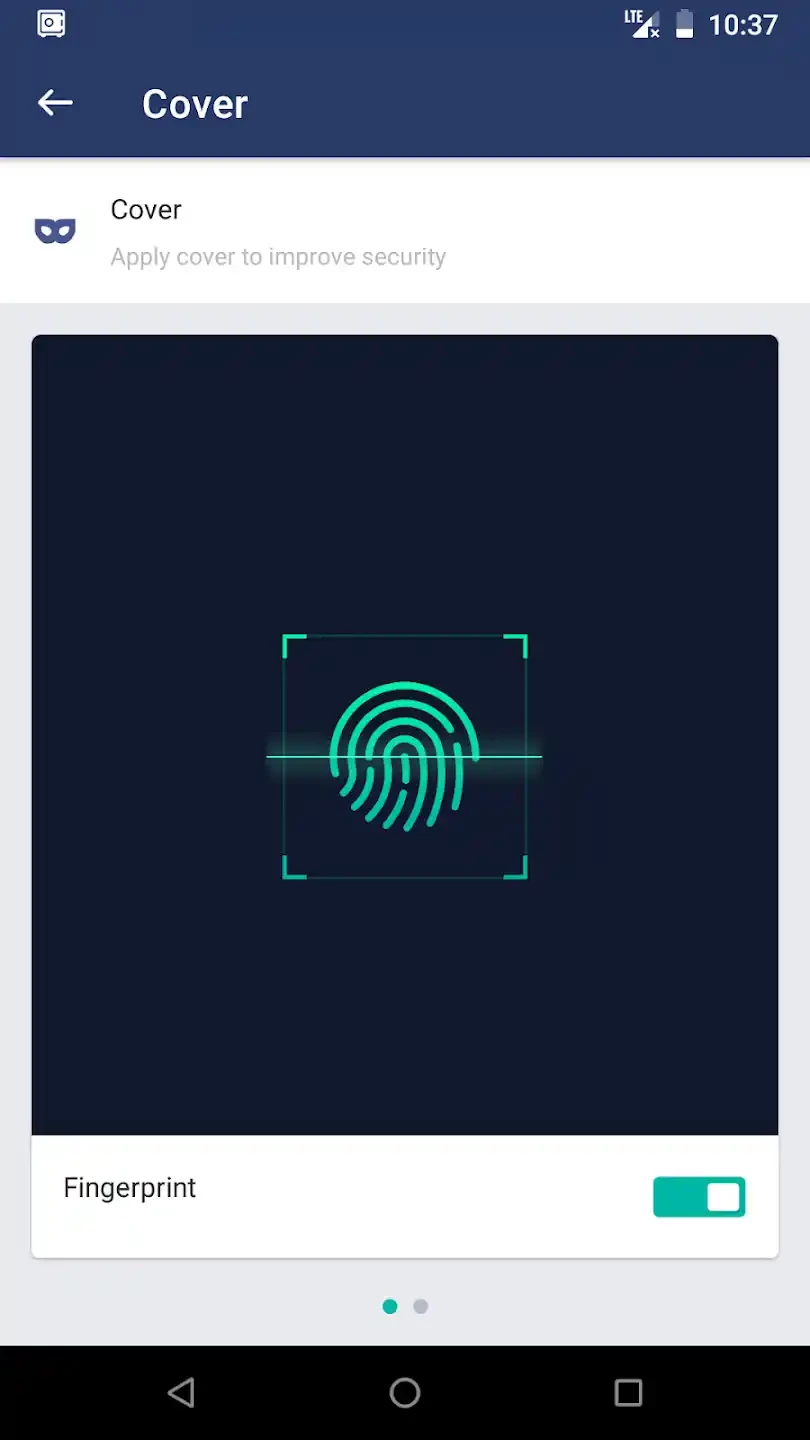
AppLock is a comprehensive free to use software that offers multiple locking mechanisms such as password, pattern, and even fingerprint. It safeguards the sensitive apps on your Android device while avoiding the unauthorized access. It helps to save your sensitive data into locker folders, so there isn’t any need of storing the data on the cloud.
The app offers huge collection of features to improve the performance of your Android device. It enables the users not only to lock the third-party apps, but also other important phone’s options including SMS, Contacts, Gmail, Facebook, Play Store, Settings, Calls, and so on. It makes your confidential information safe and private while avoiding the unauthorized access.
Our Android device has become a vital part of our life, and we can save lot of material related to our personal as well as professional life. Likewise, visual content such as pictures and videos are our most sensitive content stored in our device, so the app enables the users to create a private vault and store their private photos and videos. In the way, you are capable of hiding your private visual content from appearing in your phone’s gallery.
The app offers a simple and intuitive interface while working as a note-taking app, and helps to avoid unauthorized access to your banking apps, games, gallery, and so on. It offers clear instructions to set up locks for various apps for both the professional and less tech-savvy users. Simply press the volume up/down buttons to create key pattern, and confirm the volume key code with the pattern.
You can also add an extra layer of security to your sensitive content while selecting a security question, and typing the answer in the given field. The locking of an app is quite easy, simply press the lock icon, and access to it by inserting the said pattern, password, or fingerprint.
A random keyboard option makes your security fool-proof, as it obscure the pin code entry process. In the way, you can unlock your app in front of others, but they couldn’t understand it. In addition, an invisible pattern lock is also available that can confuse anyone who want to unlock the app, as they can’t guess what type of lock has used for the content. It also prevents your children from changing the options of your smartphone.
The app with lightweight capacity runs smoothly without consuming so many devices resources, but offers optimal performance with all necessary security measures, as it also offers intruder selfie feature. It captures the photo of the person using the front camera of device who tries to unlock the app and access to the content without your permission. So, you can get record of attempted breaches with the help of this innovative feature.
The customizable interface enables the users to change the appearance of their screen while selecting theme, and select the background from given options such as Black, Custom, or Transparent. The black and transparent backgrounds give the sense as the app isn’t working, and the custom background allows setting a photo of any scary creature to avoid your nosy friends or family members. In addition, you can set different groups of locked applications while customizing the profile. You can use the customized profiles for both; the work and personal use.
It is another unique feature, as it helps to hide your favorite games and apps to avoid unauthorized access. You can hide the AppLock itself while using four different methods such as;
It is another key feature, as enables you to set specific hours for your desired apps, and it will keep the lock within the specified time. It is a use full feature for users who want to avoid some entertaining apps while during working hours, or study sessions.
Pros
Cons

APKPure quick access to update your apps and games without registration

vnROM BYPASS FRP GOOGLE ACCOUNT from your Android device

Aptoide APK provides limitless apps to install and share

Download Google Play Store APK for Android and enjoy your favorite Android apps or games on your mobile devices

FRP Bypass is a free tool used for bypassing the Google lock, screen lock, and factory reset.

InstaUp automates your Instagram followers free of charge